Software built around your weekly route.
Recurring schedules that plan themselves. Routes that pack tight by neighborhood. Invoices that send when the job is done. Built for crews running 40–120+ lawns a week.
Optimized routing can save a mowing crew 45–90 min/day — estimate yours with our free calculator
No contracts · Works on the phone you have · Set up in 15 minutes · Cancel anytime
Every week without optimized routes is wasted fuel and lost billable hours.
Rain pushes Tuesday. Now Wednesday is broken.
Weather slides a day forward and your dispatcher rebuilds the whole week by hand. By Friday you're still catching up.
Recurring jobs that quietly slip.
A biweekly customer vanishes from the schedule because a template was set wrong months ago. You find out when they call.
Routes that double-back on themselves.
Stops 3 and 7 are neighbors. The crew drove past one to reach the other. 40 minutes of wasted drive time nobody will bill for.
Chasing 40 small invoices every week.
Mowing is $45. You're sending 40 of them manually. Some pay in days. Some never. It's real money in aggregate.
The route difference.
Without Grunlo
- × Routes built from memory every morning
- × Rain day = full rebuild by hand
- × Invoices sent days later (if at all)
- × “Are you coming today?” calls all morning
With Grunlo
- ✓ AI sequences stops by neighborhood automatically
- ✓ Weather reschedule redistributes affected days
- ✓ Invoice fires on job completion — customer pays online
- ✓ Arrival-window SMS goes out when you publish the route
No credit card required · 14-day free trial
Recurring routes that plan themselves around the weather.
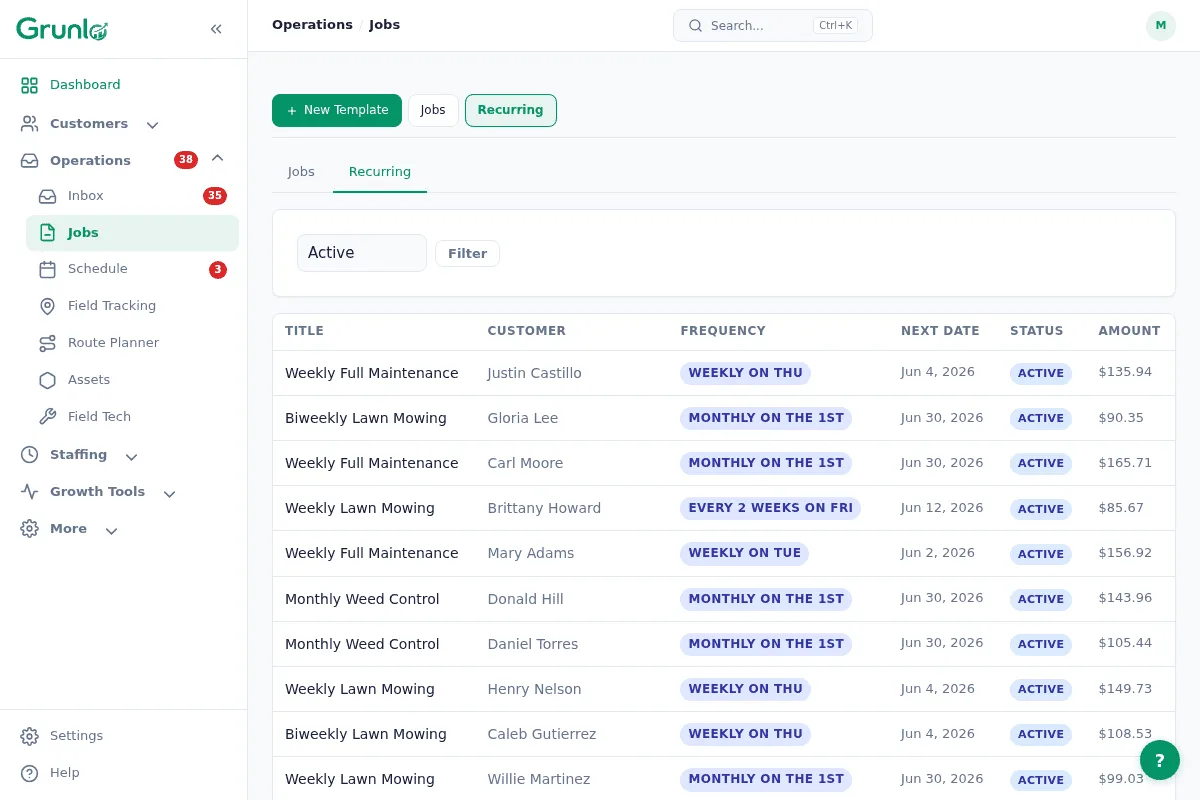
Set up your weekly customers once. Grunlo generates the visits, sequences them tightly by neighborhood, and reshuffles automatically when rain pushes a day.
- Weekly & biweekly recurrences with skip and pause-for-winter built in
- Flexible scheduling windows — let the optimizer pack tight neighborhoods together
- Weather rescheduling — rain bumps mowing forward; the optimizer recomputes affected days
- Customer arrival-window SMS when the route is published — cuts “are you coming?” calls
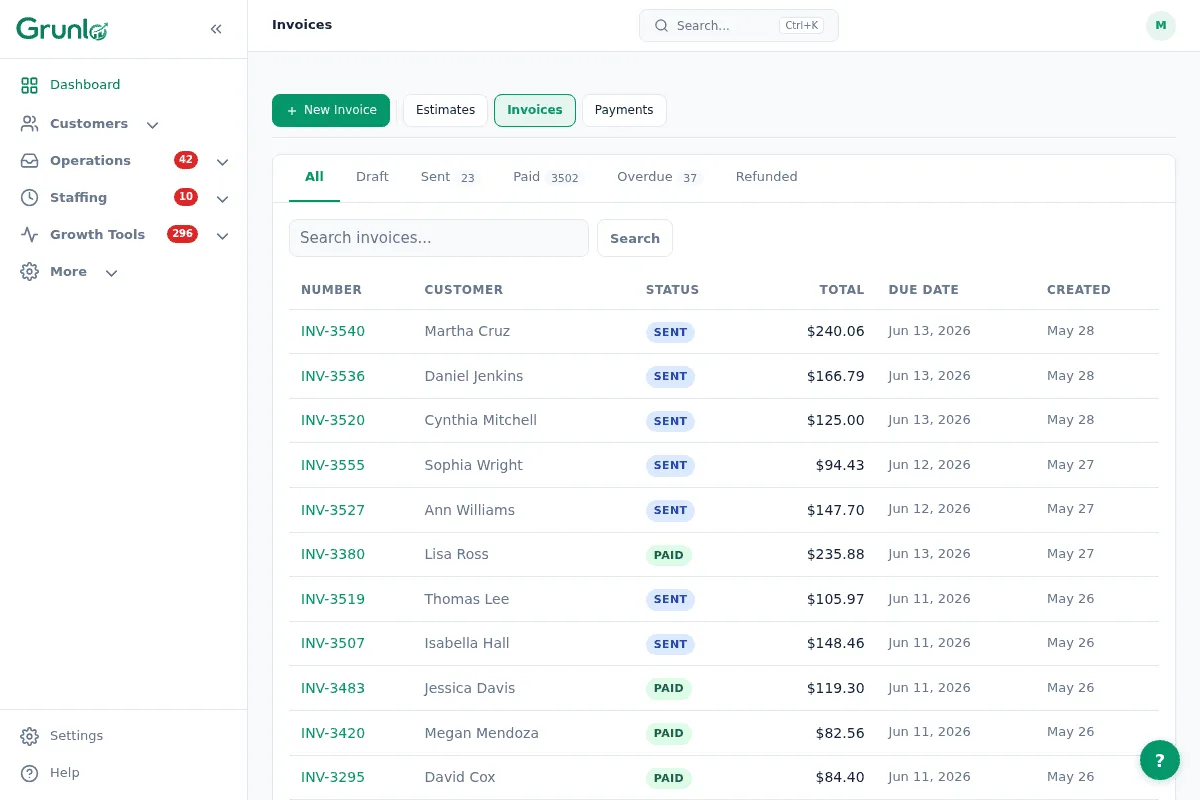
Invoice fires on completion. Customer pays online. Done.
For a flat-rate $45 mow, the work to send and chase the invoice should never exceed the value of the invoice. Grunlo generates and sends the invoice when the visit is marked complete, with a pay link the customer can tap.
- Auto-invoice on visit completion — no manual step
- Online payment link via email or SMS
- Optional overdue reminder after the due date
- Customer portal shows the same invoice and pay link
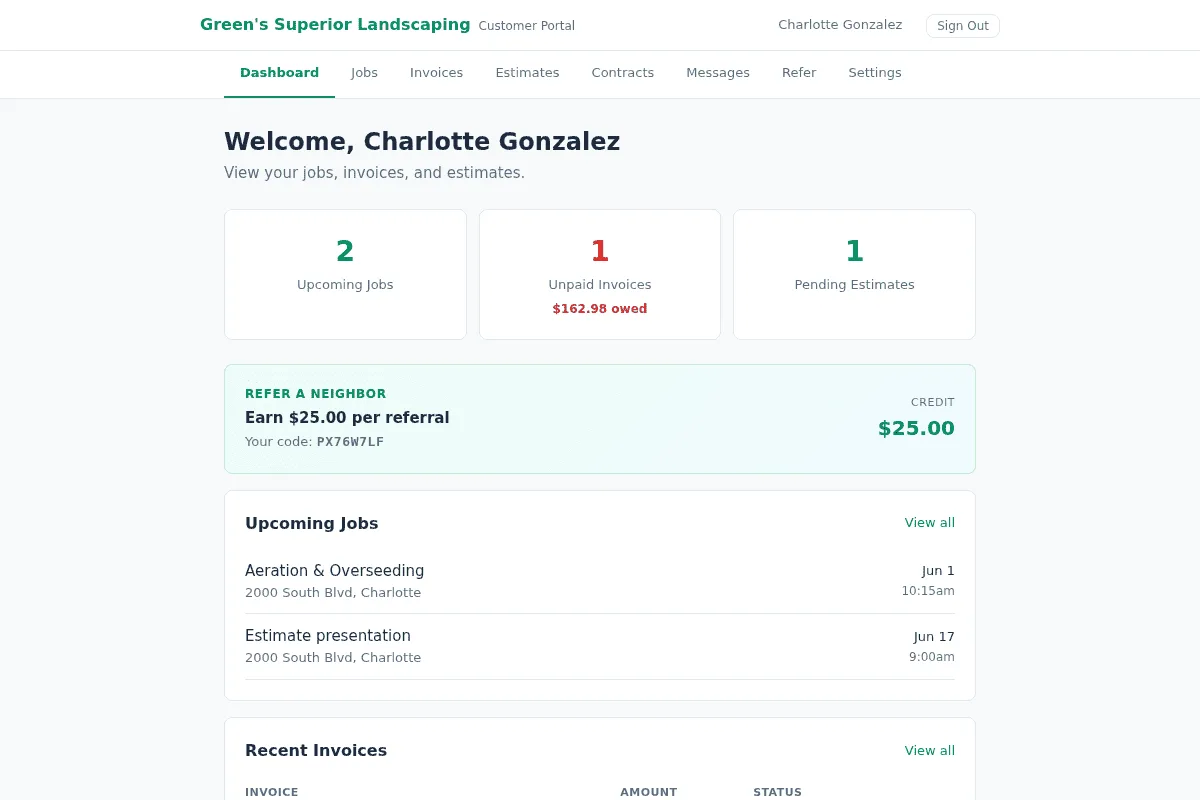
A portal that looks like a real lawn-care business runs it.
Your residential customers see upcoming visits, past visit photos, and invoices. They don't call your office to ask "did you mow last week?" because they can see the photo.
- Branded portal on your own domain
- Before/after photos from every visit
- Fewer “when are you coming?” calls because the schedule is visible
- Referral program — happy customers send their neighbors
A 5-truck mowing crew lands on the Pro plan.
Pro includes route optimization, auto-invoicing, the customer portal, and a dedicated phone number for SMS.
Lawn-care questions, plain answers.
Everything you need to know before getting started.
Built for the route, not the boardroom.
Set up takes about 15 minutes — mostly importing your customer list. By tomorrow your route is optimized and invoices send themselves.
No credit card required · Free import from CSV or another tool