Stop driving in circles.
Auto-order your stops by shortest drive time. Works with fixed appointments, multiple crews, and last-minute changes.
Optimized routes can save crews 45–90 minutes of drive time per day
Every wasted mile is money you don't bill for.
Drive time eats your margin.
A 5-truck crew losing 20% of each day to inefficient routing is burning $80K+ a year in unrecoverable labor.
The "right" order changes daily.
One cancellation or rush job and the optimal sequence is different. Re-doing the math by hand at 6 AM starts the day behind.
Fixed appointments break simple routes.
Real life has time windows. The 11:30 customer can't move. Everything else has to route around it.
From "what's the route?" to "here's the route" in 30 seconds.
Tomorrow's route plans itself at end-of-day.
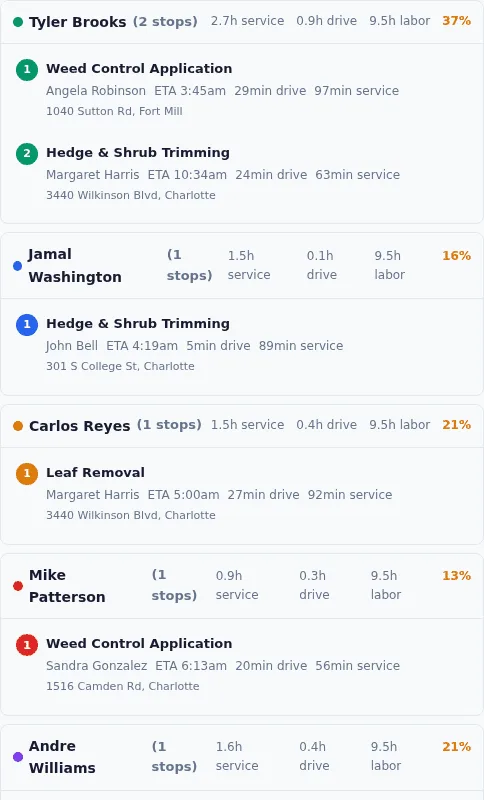
Grunlo takes tomorrow's jobs and produces an optimized route per crew — shortest drive time, fixed appointments respected.
Drag, drop, override anything.
See the draft on a map. Move stops between crews, lock positions, or re-order manually. Travel time updates live as you adjust.
Publish — crew sees it on their phone.
One tap publishes the route. Each crew member sees their day in order with addresses, notes, and drive time between stops.
No credit card required · 14-day free trial
The optimizer respects your reality, not the other way around.
Every crew has constraints. Grunlo lets you set them in plain language so the algorithm doesn't produce a "technically optimal" route that's operationally wrong.
- Fixed appointments — time windows are respected; the route plans around them
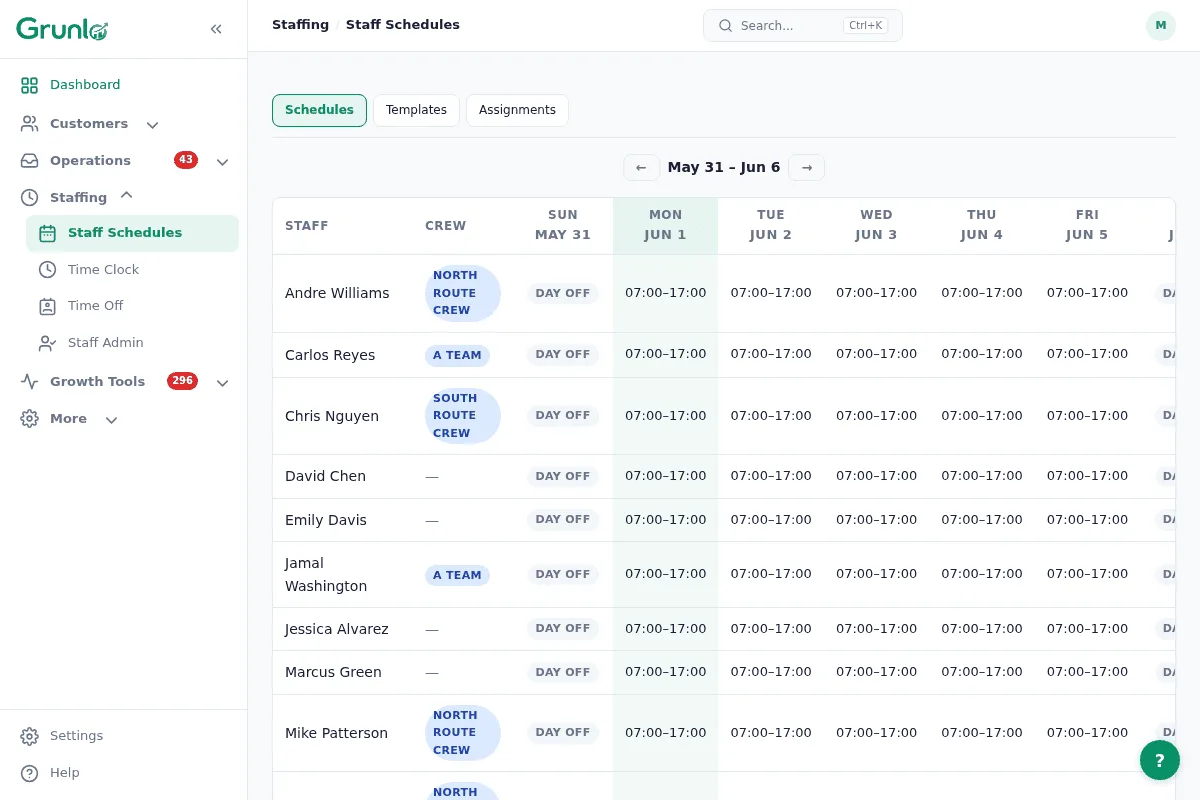
- Crew capabilities — only assign stops to crews qualified for the service type
- Equipment constraints — the truck with the brush-cutter goes to brush-cut jobs
- Start & end locations — route from the yard, the foreman's house, or a job site
- Break times — the optimizer knows when crews aren't productive and plans around it
- Weather rescheduling — rain pushes outdoor work forward; affected days recompute automatically
Pair with these to run a tighter operation.
GPS field tracking
See where trucks actually are vs. where the route says. Spot opportunities to add a same-day stop nearby.
See GPS tracking →Recurring jobs
Recurring schedules feed the optimizer automatically. Weekly routes plan themselves — you just review.
See recurring jobs →Customer portal
When the route publishes, customers get an arrival window. Fewer "are you on your way?" calls.
See customer portal →Routing questions, plain answers.
Everything you need to know before getting started.
Cut your drive time, starting tomorrow.
Setup takes about 10 minutes — mostly importing your customer addresses. Tomorrow morning, your crew has an optimized route waiting.
No credit card required · 14-day free trial