Stop chasing the money.
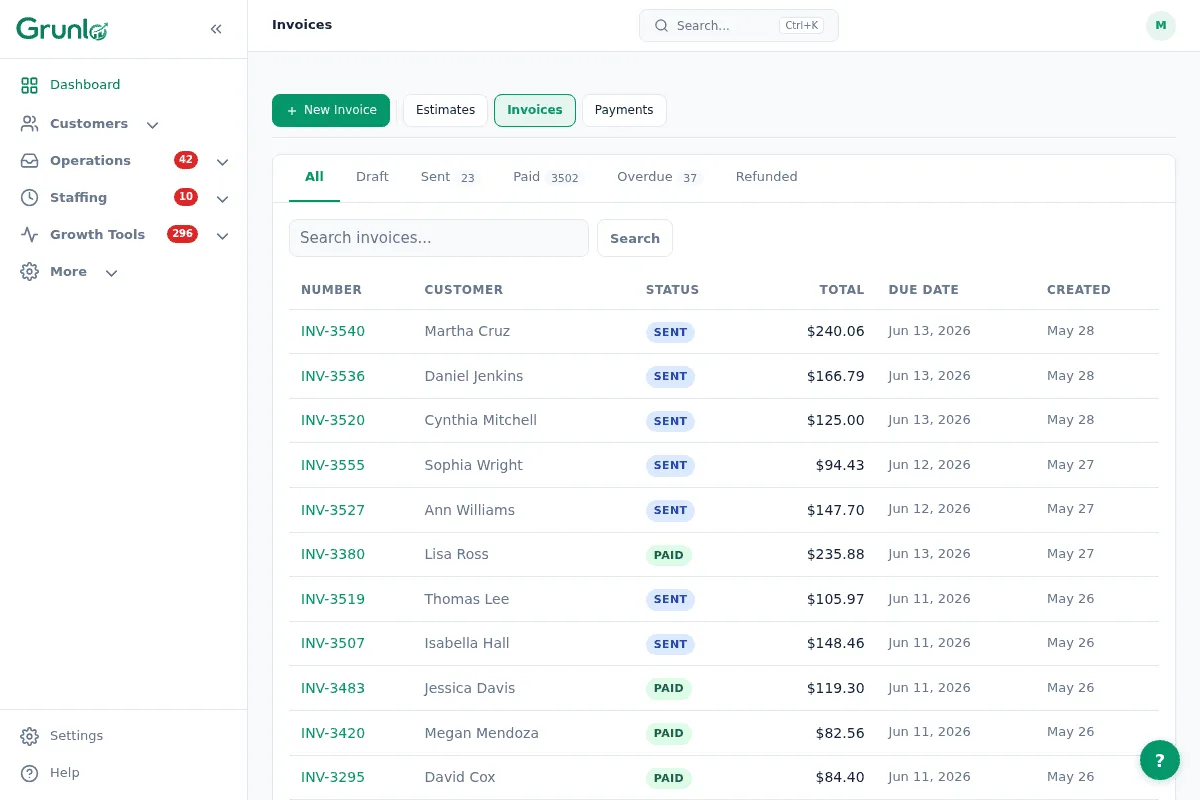
Job complete? Invoice goes out with a payment link. Your customer pays online. You stop chasing.
Businesses that invoice same-day get paid 2x faster on average
Late invoices cost you real money.
Invoices sent late — or never.
The work is done. The invoice is on your "tonight" list. Tonight never comes. Every late invoice bleeds cash.
Reminders feel awkward.
The customer hasn't paid. You wait another week. Net 30 becomes net 90 becomes a write-off.
Reconciliation is a Sunday chore.
Cash, Venmo, ACH. Matching every payment to the right invoice is its own part-time job.
Job complete to money-in-bank — minimal typing.
Crew marks the job complete.
Grunlo builds an invoice from the job line items, applies your tax settings, and sends the customer a pay link via email or SMS.
Customer pays online.
They click the link, pay by card or ACH through a secure checkout page, and you get a confirmation. No chasing needed.
Overdue? Automatic nudge.
If the due date passes unpaid, an automated reminder goes out. You don't have to remember or feel awkward about it.
No credit card required · 14-day free trial
Different customers, different terms — all handled.
Set your default payment terms and let every invoice inherit them. Customize per-customer when needed.
- Configurable due dates — net-15, net-30, due on receipt — your choice per customer or globally
- Pay from anywhere — customers pay from the email link, SMS link, or their portal
- Payments go to your bank — funds deposit directly to your account on Stripe's schedule
- QuickBooks sync — invoices and payments stay aligned with your books automatically
- Mistakes happen — void or reopen an invoice before payment clears, no complex undo process
Pair with these to close the loop faster.
Online estimates
Approved estimate converts to a job. When the job completes, the invoice generates from the same line items — no retyping.
See online estimates →Customer portal
Customers see all their invoices in one place and can pay from their portal without hunting for an email.
See customer portal →Service contracts
Invoices fire on the billing schedule the contract defines. Monthly, quarterly, or custom — each period is handled automatically.
See service contracts →Invoicing questions, plain answers.
Everything you need to know before getting started.
Stop chasing the money.
Connect payments, turn on auto-invoicing, and let the next finished job bill itself.
No credit card required · 14-day free trial