Start-ups, blow-outs, repairs — one tool.
Spring and fall crush weeks are a routing problem: dense stops, tight windows, and customers who want proof. Schedule, route, document, and bill from one place.
Optimized sequencing can save a 30+ stop irrigation crew an hour a day — estimate yours with our free calculator
No contracts · Works on the phone you have · Set up in 15 minutes · Cancel anytime
Every disorganized spring week costs you callbacks and overtime.
Two seasons of flat-out scheduling.
April–May and October–November are hundreds of stops that need to land on a calendar your crews can execute.
Zone-level details live in property notes.
Valve boxes, controller quirks, and “zone 3 leans hard left” — searchable text your next tech can read before they arrive.
Recurring contracts get muddled.
Annual, quarterly, and one-off visits need separate tracking. Templates and recurring jobs handle all three.
Customers want diagnostic transparency.
Photos on the job plus line items on the estimate show the part and the price — no separate diagnostic workflow needed.
The seasonal difference.
Without Grunlo
- × Spring start-ups tracked on a printed list
- × Zone notes only exist in one tech’s head
- × Repair estimates sent via text message
- × Invoices delayed until you catch up
With Grunlo
- ✓ Recurring templates generate the entire season
- ✓ Property notes shared across all techs digitally
- ✓ Photo-backed estimates with online approval
- ✓ Invoice fires on job completion with a pay link
No credit card required · 14-day free trial
Recurring routes, rich notes, and estimates when something breaks.
Grunlo is the same field-service platform irrigation shops adopt: customers, properties, jobs, routes, photos, portal, and QuickBooks sync.
- Property notes — keep controller quirks, gate codes, and zone commentary on the record
- Recurring jobs — start-ups, mid-season checks, and blow-outs on the cadence you sell
- Route optimization — shorten drive time when running multiple trucks through a dense list
- Estimates for repairs — photo-backed line items when you need sign-off before ordering parts
- Customer portal — invoices, payments, and estimates in one place for the homeowner
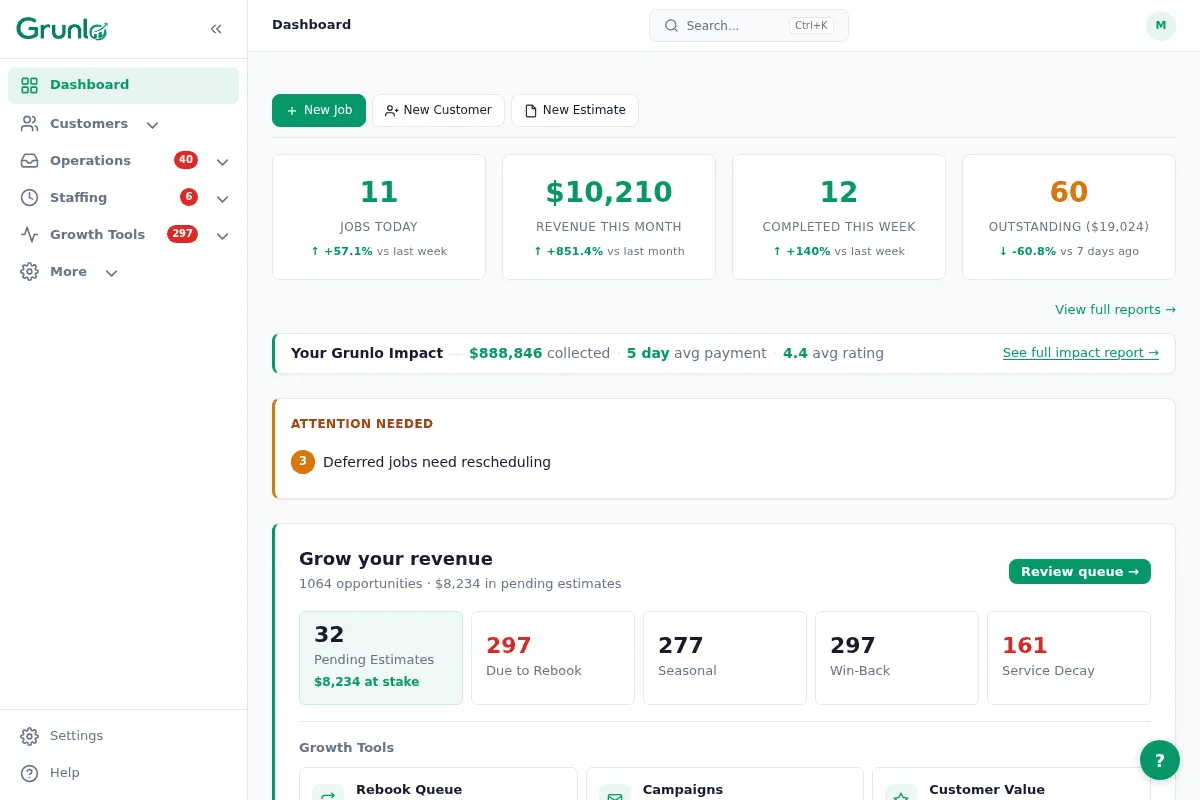
Show photos and line items customers can pay.
Attach photos to the job, send an estimate when you need a signature, and let the portal collect payment when the work is done.
- Job photos your techs upload from the field
- Estimates with line-item detail when you need approval before work
- Online invoice payment through Stripe
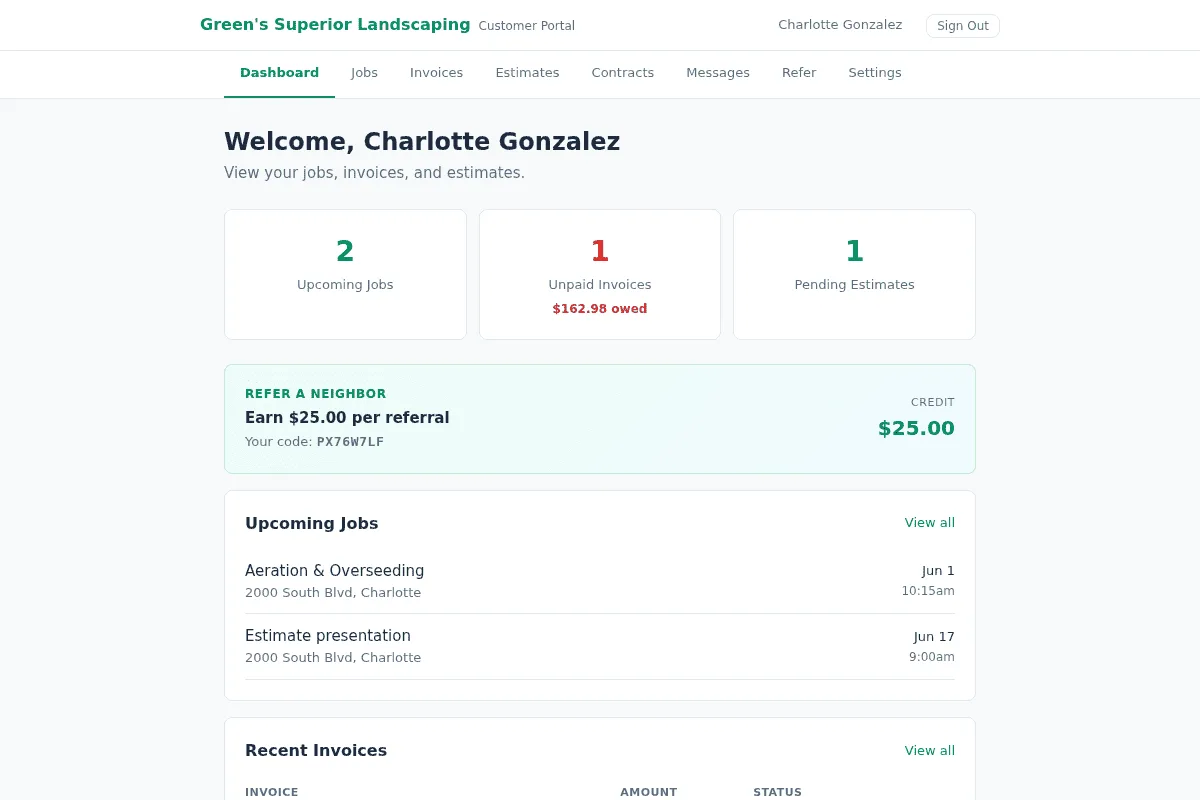
Most irrigation operators land on Pro.
Recurring volume, route optimization, SMS, and portal features are the usual reasons teams move past Starter.
Irrigation questions, plain answers.
Everything you need to know before getting started.
Run spring and fall like a machine.
Import customers, attach property notes once, and let recurring jobs build your board.
No credit card required · Free import from CSV or another tool
Sources
- BIA/Kelsey local business call research — 67% of callers who reach voicemail do not leave a message (widely cited; primary report not publicly linkable).